
Guidelines for Resetting Your Password at JDACE88
E
1 min read
Leave Comment/ By E /Feb 5, 2025
Step 1: Visit the JDACE88 Login Page
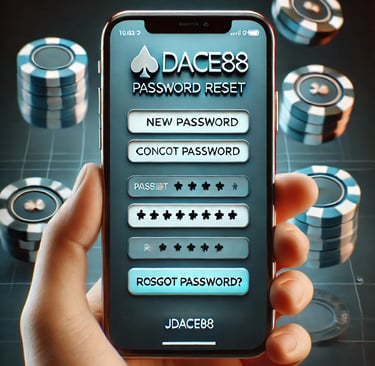
Go to JDACE88 and click on "Forgot Password?" located below the login fields.
Step 2: Enter Your Registered Details
You will be asked to provide either:
✔ Your Registered Email Address
✔ Your Registered Mobile Number
Ensure that the information matches what you used during registration.
Step 3: Receive Your Reset Link or Code
📩 If using Email: Check your inbox for a password reset link.
📲 If using Mobile Number: You will receive an SMS verification code.
If you don’t receive an email, check your spam/junk folder or request a new link.
Step 4: Create a New Password
Click the reset link or enter the verification code.
Set a new password (Use a mix of uppercase, lowercase, numbers, and symbols).
Confirm your new password and save changes.
Step 5: Log In with Your New Password
Once your password is successfully updated, go back to JDACE88 and log in with your new credentials.
Troubleshooting Password Reset Issues
❓ Didn’t receive a reset email or SMS?
✅ Double-check your spam folder and request a new link.
❓ Entered the wrong email or mobile number?
✅ Make sure you use the one linked to your JDACE88 account.
❓ Still unable to reset your password?
✅ Contact JDACE88 Support for assistance.
Keep Your JDACE88 Account Secure
✔ Use a strong and unique password.
✔ Avoid sharing your login details with anyone.
✔ Update your password regularly to prevent unauthorized access.
Reset Your Password & Get Back to Playing!
Visit JDACE88 now and securely reset your password to continue enjoying the best online gaming experience!
Get in touch
Let's Talk
info@jdace88.org.ph
ALL RIGHTS RESERVED 2025